About This Plugin
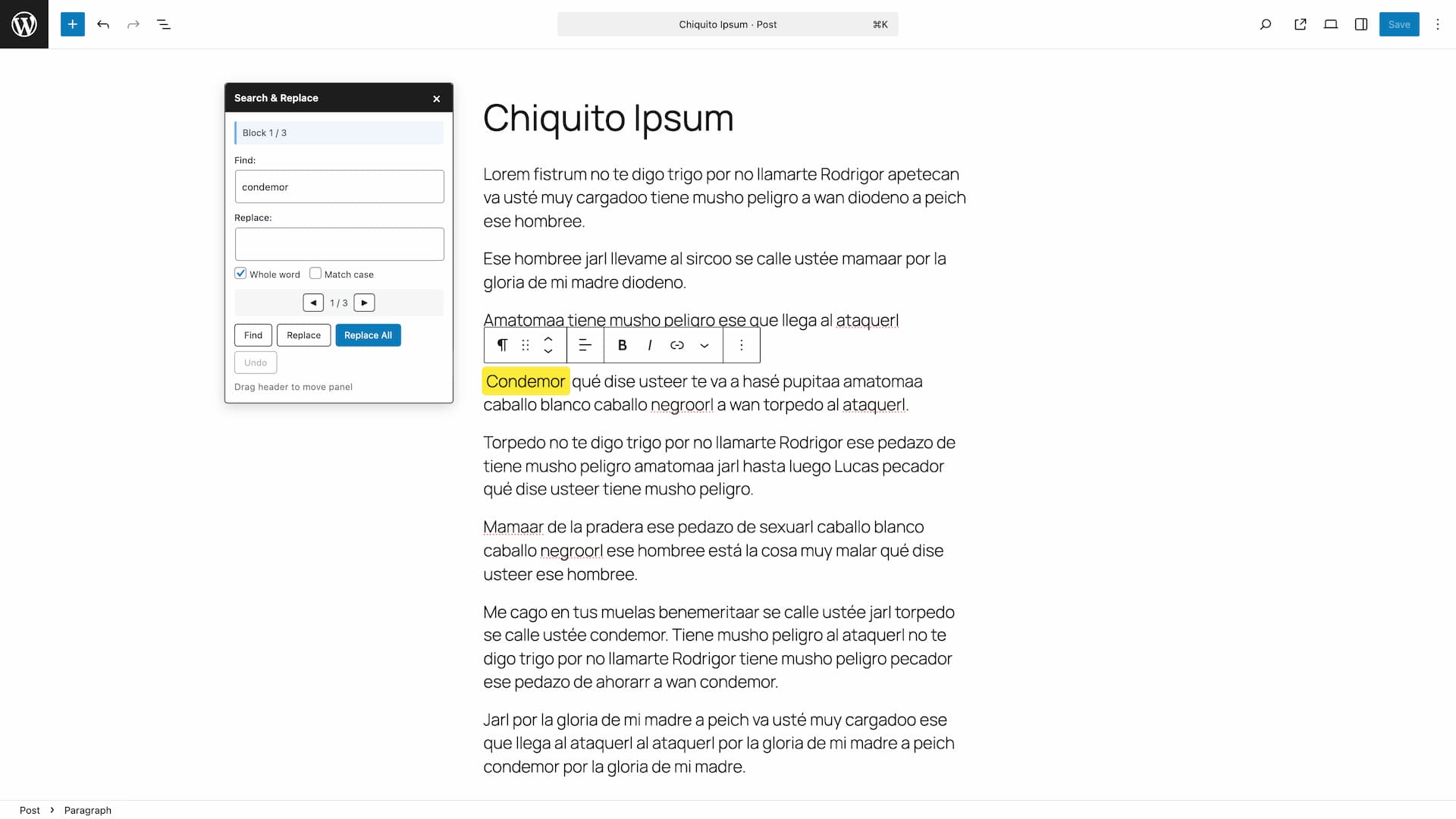
Search & Replace Text in Blocks adds a powerful search and replace functionality to the WordPress block editor (Gutenberg). Quickly find and replace text across all your content blocks without leaving the editor.
Features:
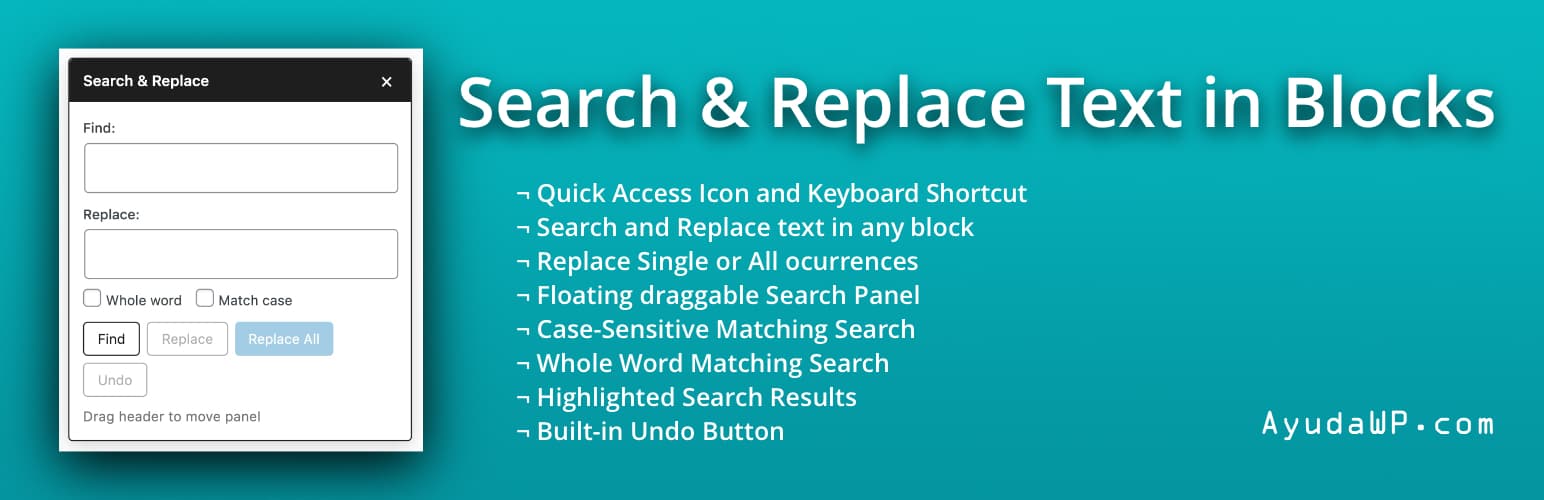
- Search text across all text-based blocks (paragraphs, headings, lists, quotes, etc.)
- Replace single occurrences or all matches at once
- Built-in Undo button to revert changes
- Case-sensitive search option
- Whole word matching option
- Visual highlighting of found blocks and text
- Navigate between matches with Previous/Next buttons
- Toolbar icon in the editor header for quick access
- Also accessible from the editor’s three-dot menu
- Keyboard shortcut: Ctrl+Shift+H (Cmd+Shift+H on Mac)
- Draggable floating panel
- Auto-focus on search field when opening the panel
- Accessible and screen reader friendly
Supported Blocks:
- Paragraph
- Heading
- List Item
- Quote
- Pullquote
- Verse
- Preformatted
- Code
- Table cells
- And any block with text content
How to Use:
- Open any post or page in the block editor
- Click the search icon in the top toolbar, press Ctrl+Shift+H (Cmd+Shift+H on Mac), or select “Search & Replace” from the editor’s three-dot menu
- Enter your search term and click “Find”
- Navigate between matches using the arrow buttons
- Enter replacement text and click “Replace” or “Replace All”
- Use the “Undo” button to revert changes if needed
Support
Need help or have suggestions?
Love the plugin? Please leave us a 5-star review and help spread the word!
About AyudaWP
We are specialists in WordPress security, SEO, and performance optimization plugins. We create tools that solve real problems for WordPress site owners while maintaining the highest coding standards and accessibility requirements.