About This Plugin
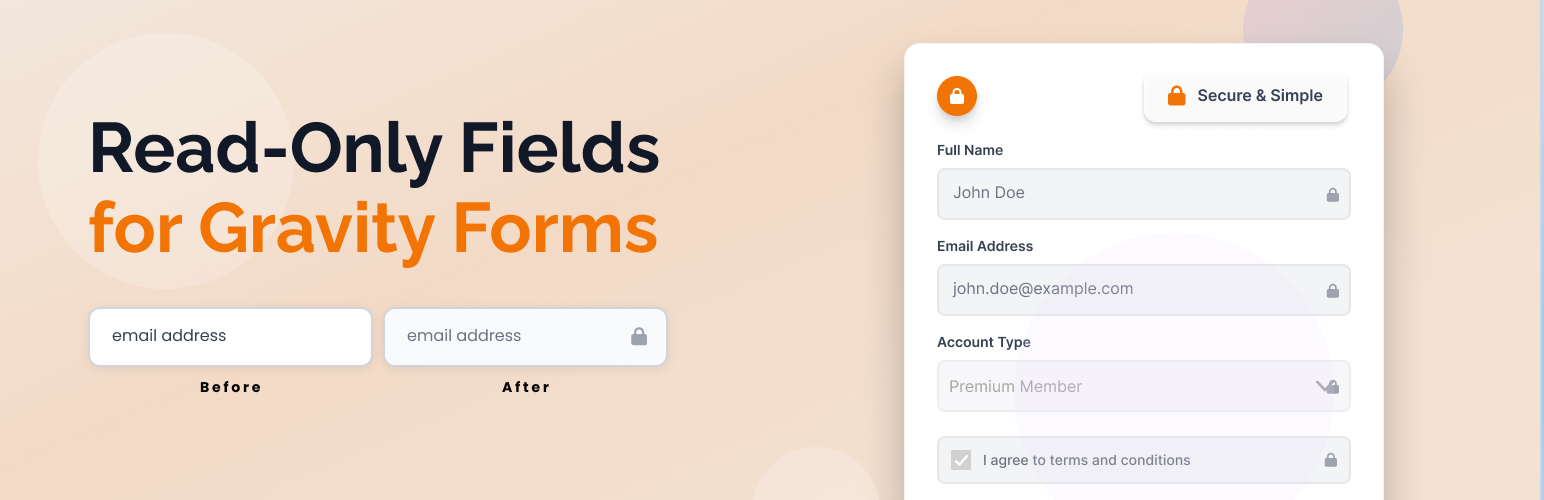
Easily add a universal “Read Only” option to any Gravity Forms field. This plugin adds a checkbox to every supported field in the Gravity Forms editor, allowing you to make any field read-only on the frontend. Includes a tooltip warning to avoid using required or merge-tag default values with read-only fields.
Features
- Adds a “Read Only” checkbox to all supported Gravity Forms fields in the form editor
- Shows a tooltip warning about not using “Required” or merge tags as default value
- Makes any supported field type (text, textarea, select, checkbox, radio, etc.) read-only/disabled on the frontend if enabled
- Excludes unsupported field types (hidden, html, captcha, page, section, form, fileupload) from the Read Only option
- Optimized for all supported field types and easy to maintain
- Adds subtle styling to read-only fields for better user experience
- Fully translatable and ready for localization
Usage
- Only supported field types will show the “Read Only” option.
- Read-only fields are visually styled and cannot be edited by users on the frontend.
Screenshots
 Easily make any supported field read-only with a single checkbox. Here, the 'Name' field is being made read-only.
 The same simplicity applies to all supported field types, including 'Paragraph' fields.
 This is how the 'Name' field will appear to users on the front end—uneditable and clearly marked as read-only.
 The 'Paragraph' field, when set to read-only, is also disabled on the front end, preventing any user input.