

ScanForge File & Theme Security
ScanForge File & Theme Security is a dedicated static code analysis and file integrity scanner built to detect unauthorized code modifications.

- Last updated
- 1 week ago
- Version
- 1.0.1
- Tested up to
- WP 7.1.4
About this plugin
ScanForge File & Theme Security is a dedicated static code analysis and file integrity scanner built to detect unauthorized code modifications, web shells, and hidden backdoors across WordPress plugins and themes.
Unlike heavy, background-daemon security suites, ScanForge is an on-demand auditing engine. It gives system administrators and developers instant visibility into file tampering by comparing local plugin code against official WordPress.org release checksums while heuristically hunting for malicious payloads.
How ScanForge Protects WordPress Files & Themes
- Official WordPress.org Checksum Verification: Instantly identifies modified repository files, unauthorized rogue additions, or missing script components by comparing local hashes directly with official release manifests.
- Web Shell & PHP Backdoor Detection: Heuristically matches file contents against known malicious signatures, including WSO, b374k, FilesMan, c99, and r57 web shells.
- Injected File Manager Discovery: Detects unauthorized dropped file management utilities (such as Tiny File Manager variants) via distinctive functional signatures (
FM_ROOTPATH,FM_SESSION_KEY). - High-Risk Code Pattern Flags: Uncovers dangerous execution wrappers such as nested
eval(base64_decode()), dynamic assertion backdoors, and shell execution handling raw superglobal inputs ($_POST,$_GET,$_COOKIE). - Intelligent Vendor Whitelisting: Automatically ignores standard dependency trees (
vendor/,node_modules/,tests/) to eliminate false alarms and maximize scanning speed. - On-Demand & Lightweight: Runs sequential, memory-safe audits only when you click “Scan”, leaving zero background cron overhead on your server.
- Full-Stack Security Integration: Seamlessly pairs with ScanForge Database Security to audit SQL tables (
wp_posts,wp_options) alongside your filesystem scripts.
External Services & Privacy
This plugin queries official WordPress.org endpoints to verify plugin file integrity and check for available updates.
- Service Used: WordPress.org Checksums and Plugin Information API (
api.wordpress.org/downloads.wordpress.org). - Purpose: Retrieves official release MD5 hashes and plugin metadata to identify modified, added, or outdated files.
- Data Transmitted: The plugin slug and installed version number are transmitted via standard HTTP GET queries. No personal data, visitor information, site contents, or admin credentials are transmitted.
- Privacy Policy: All interactions with WordPress.org servers are governed by the WordPress Foundation Privacy Policy: https://wordpress.org/about/privacy/
Screenshots
 Quick In-Row File Auditing: Trigger on-demand security and checksum audits directly from each plugin row on the native WordPress Installed Plugins screen.
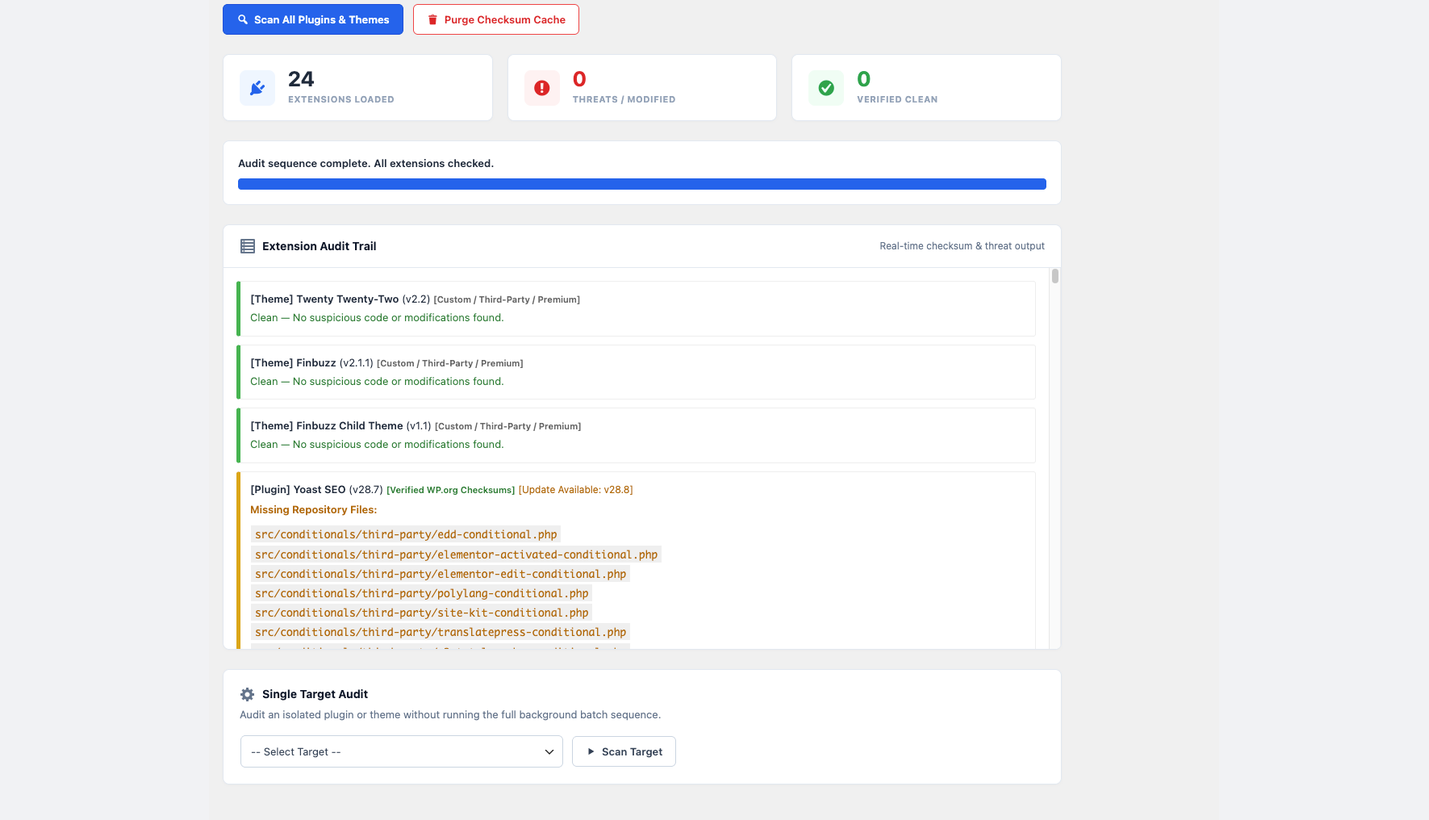 Automated Batch Audit Sequence: Run memory-safe batch checks across all installed plugins and themes with real-time progress indicators and repository comparisons.
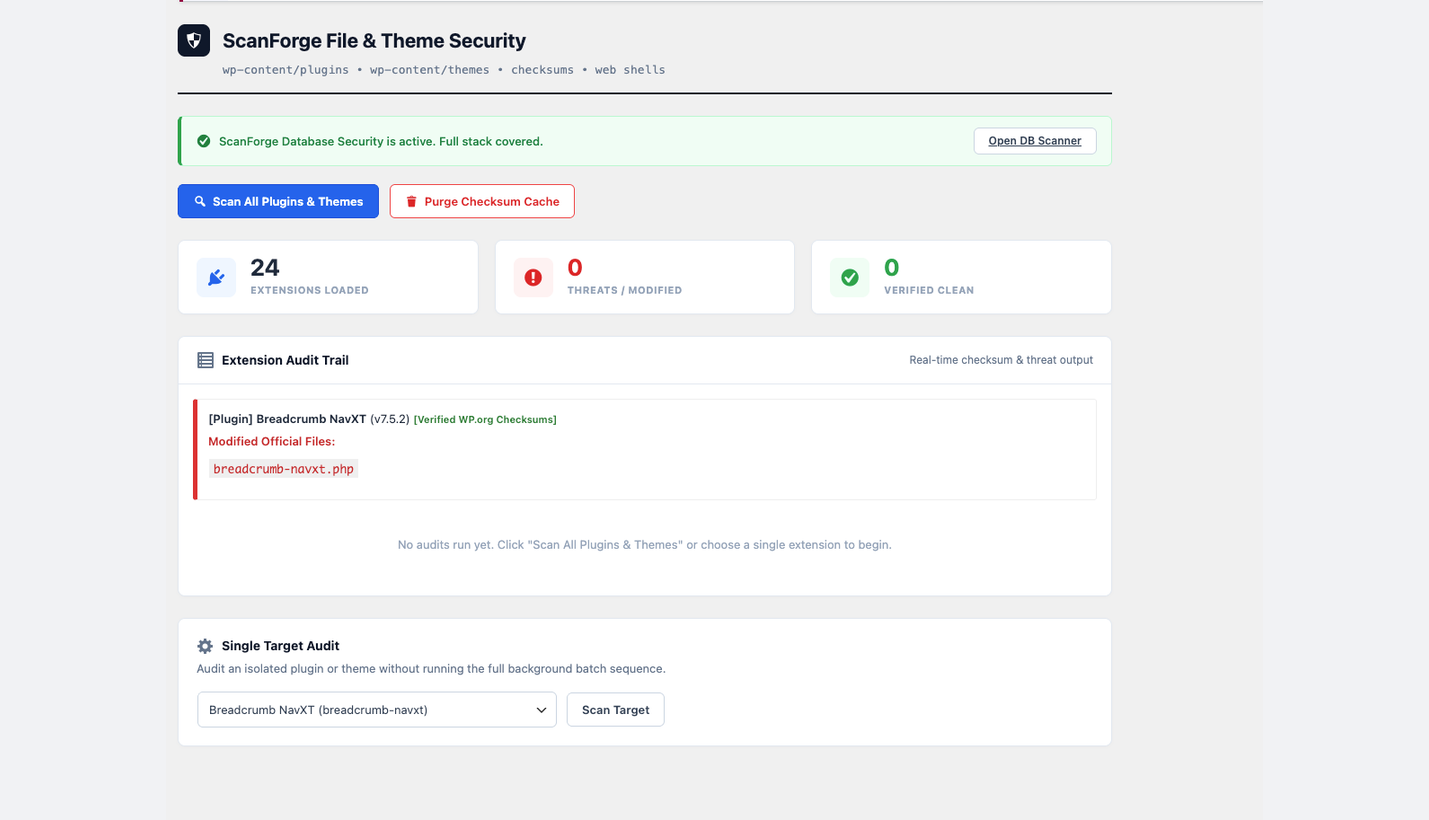 Isolated Target Inspection & Threat Log: Pinpoint unauthorized file modifications and discrepancies against official WordPress.org checksum manifests.
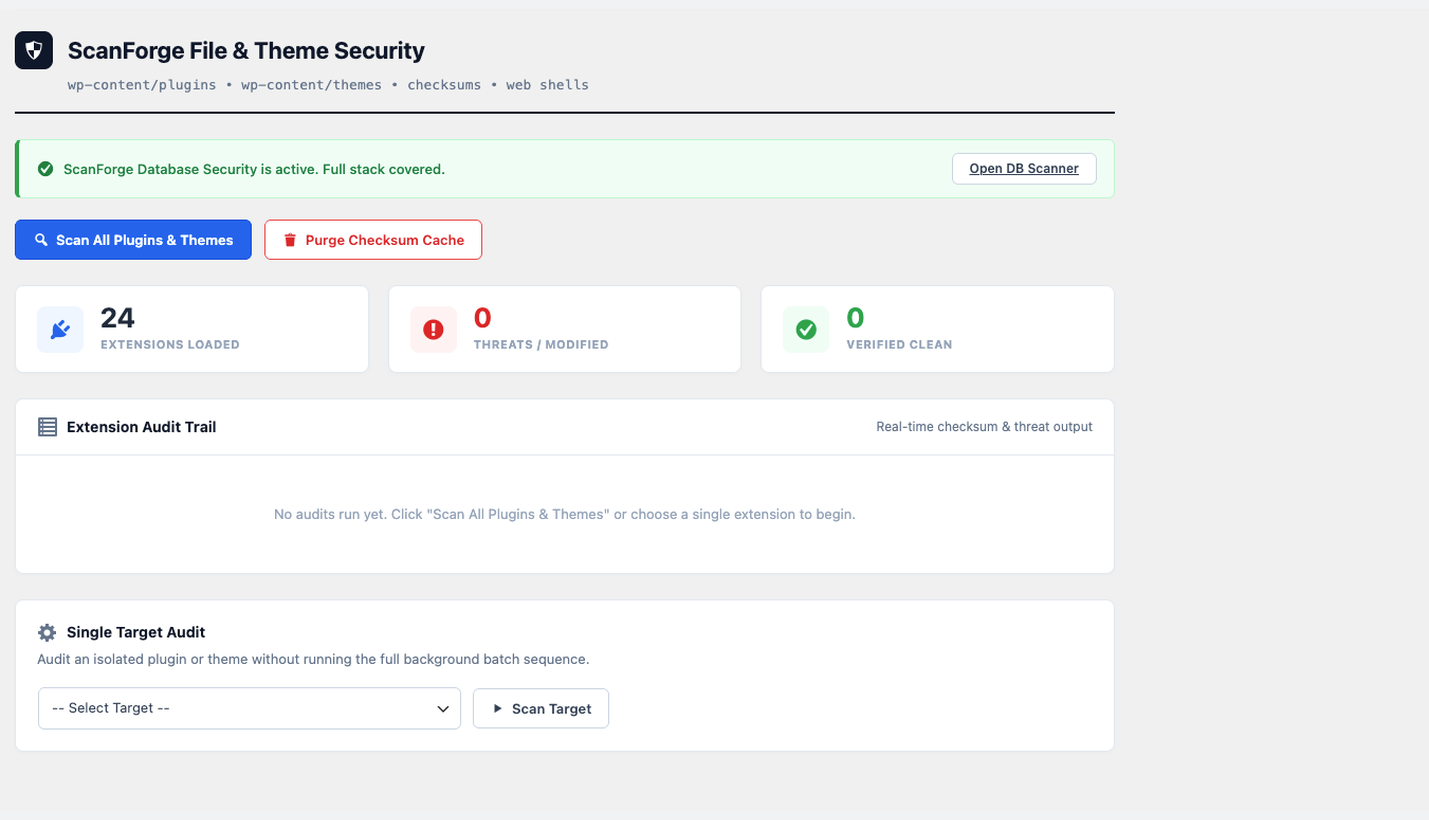 Clean Admin Dashboard & Metrics: Monitor loaded extensions, live threat counters, and cross-protection status with ScanForge Database Security.
Analytics
Live from WordPress.org, refreshed daily. Last refresh Nov 9, 2026.
- Passes every health check below.
Health checks
Everything a careful site owner looks at before installing.
- Actively maintained Last release 1 week ago
- Tested with current WordPress Tested up to 7.1.4
- Support questions answered Nothing open in the last two months
- Well rated No ratings yet
- Latest day
- 11
- Typical day
- 38
- Peak
- 121 Nov 1
View as table
| Day | Downloads |
|---|---|
| Nov 8 | 11 |
| Nov 7 | 10 |
| Nov 6 | 22 |
| Nov 5 | 14 |
| Nov 4 | 55 |
| Nov 3 | 63 |
| Nov 2 | 76 |
| Nov 1 | 121 |
| Oct 31 | 54 |
| Oct 30 | 1 |
Not ranked yet. Install, download and rating ranks cover the 5,000 most popular plugins on WordPress.org, and Trending needs about 100 downloads on a typical day.
Gathering install data
WordPress.org only publishes today's install count, so WPFolks records it every day. The chart appears here once there is enough history to draw.
Reviews
From folks on WPFolks
No reviews from folks yet. Used it? Be the first to say how it went.