
- Active installs
- 5k+
- 103 ratings
- 4.8
- Last updated
- 2 months ago
- Version
- 2.0.1
- Tested up to
- WP 7.1.3
About this plugin
Cool Flipbox is a simple yet powerful plugin that lets you display content in an interactive “flip” style. Visitors can hover or click on a box to flip it and reveal hidden details.
Whether it’s displaying your team members, staff, employees, or any other content box, Cool Flipbox is the ideal tool for creating engaging Info Boxes on your site.
Key Features
-
Customizable Design: You can style flip boxes to perfectly match your website. Change background colors, text colors, and fonts.
-
Add Icons and Images: Easily insert Font Awesome icons, upload images, or include buttons to make your flip boxes more informative and visually appealing. For example, use an icon for a service or a profile photo for a team member.
-
Two-Sided Content: Each flip box has a front and a back. You can customize both sides with different titles, descriptions, and styles. Use the front for short highlights and the back for detailed information.
-
Flexible Layout Options: Choose how many flip boxes you want to show in a row by setting the number of columns. You can also reorder boxes anytime, making it easy to arrange your content exactly as you want.
-
Unlimited Flipboxes: There’s no limit on how many flip boxes you can create. Whether you need a few to showcase services or a whole grid for team members, the plugin can handle it.
-
Clickable Links: Add links to your flip boxes so users can click through other pages, services, or external websites for more details.
-
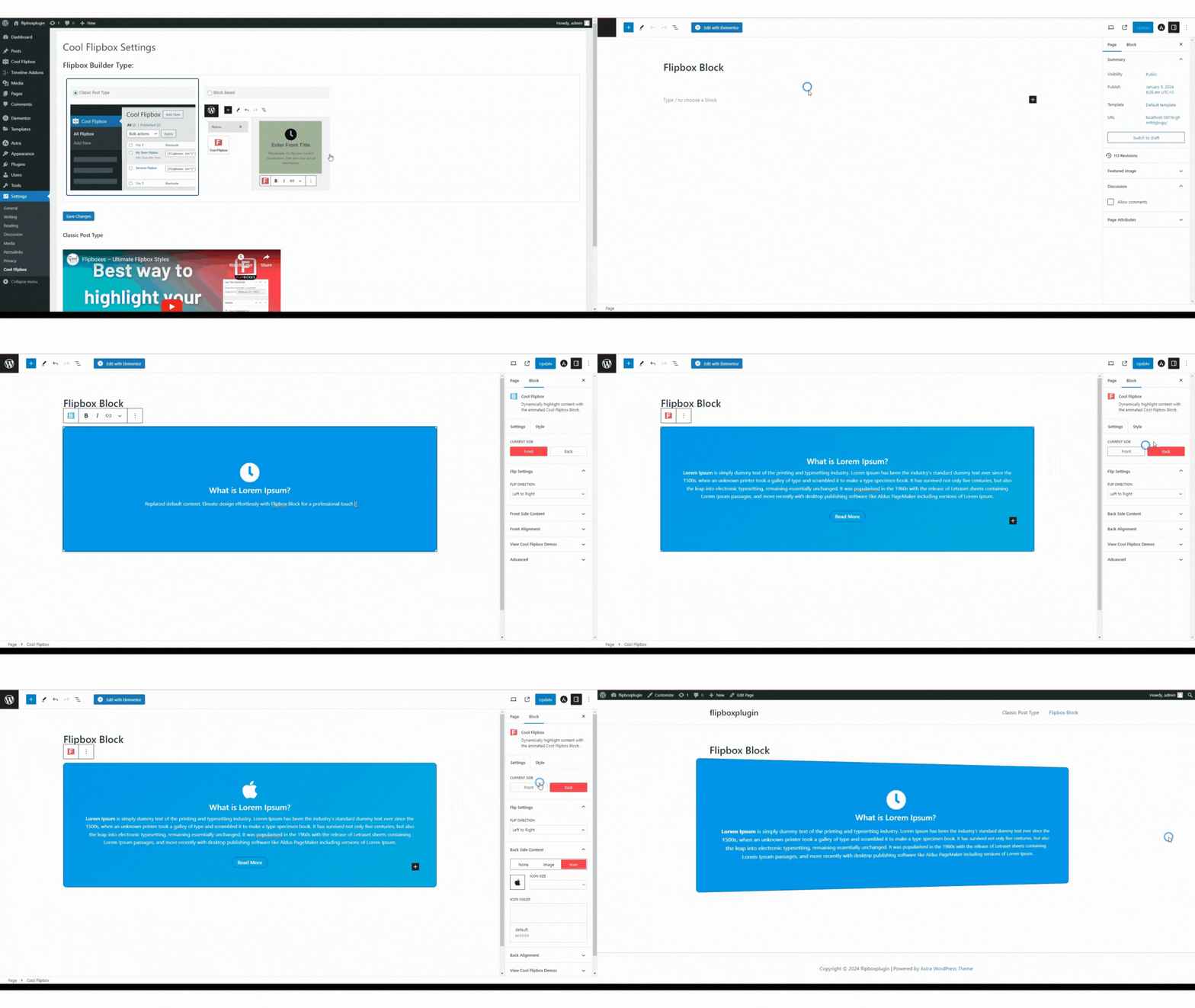
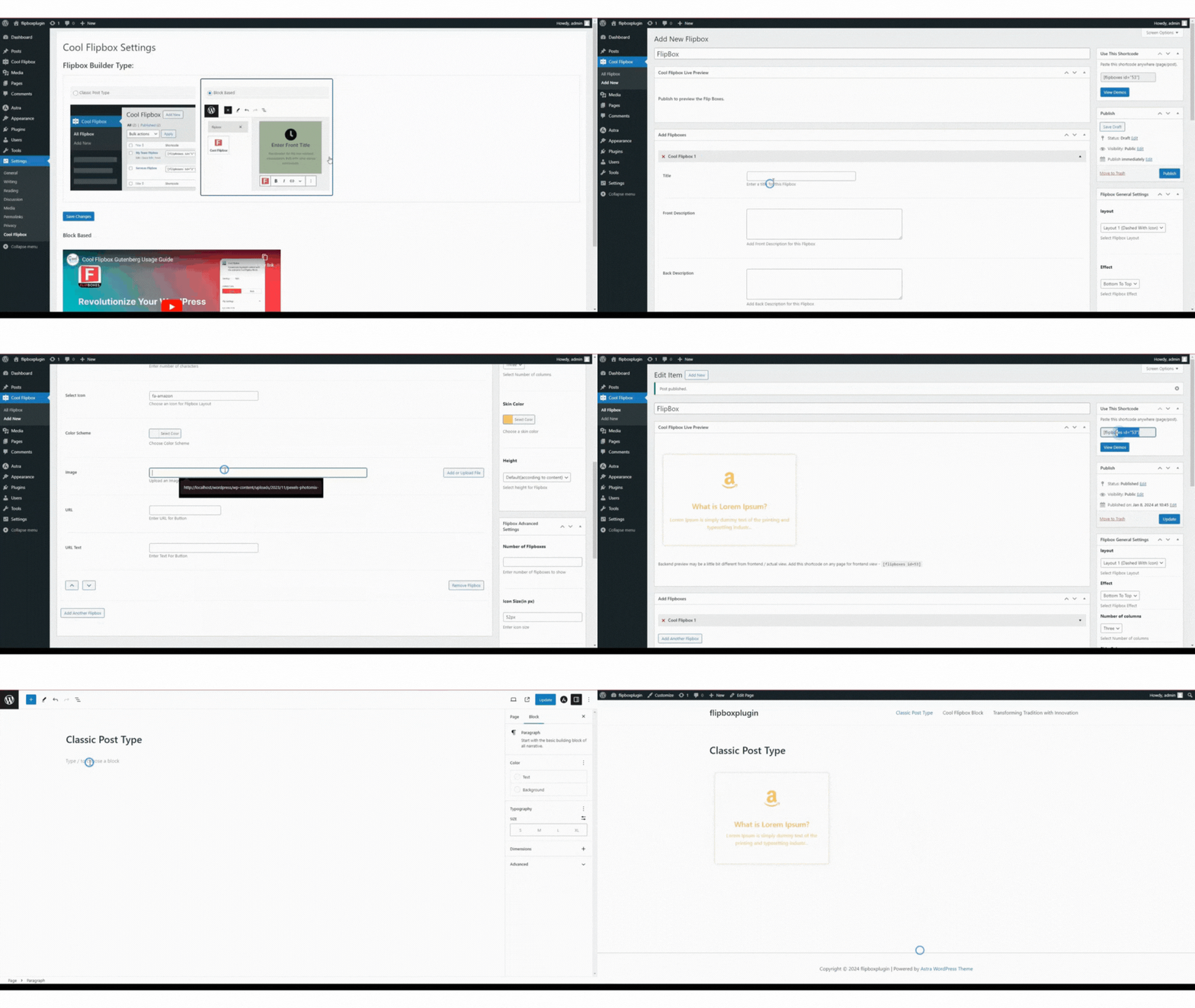
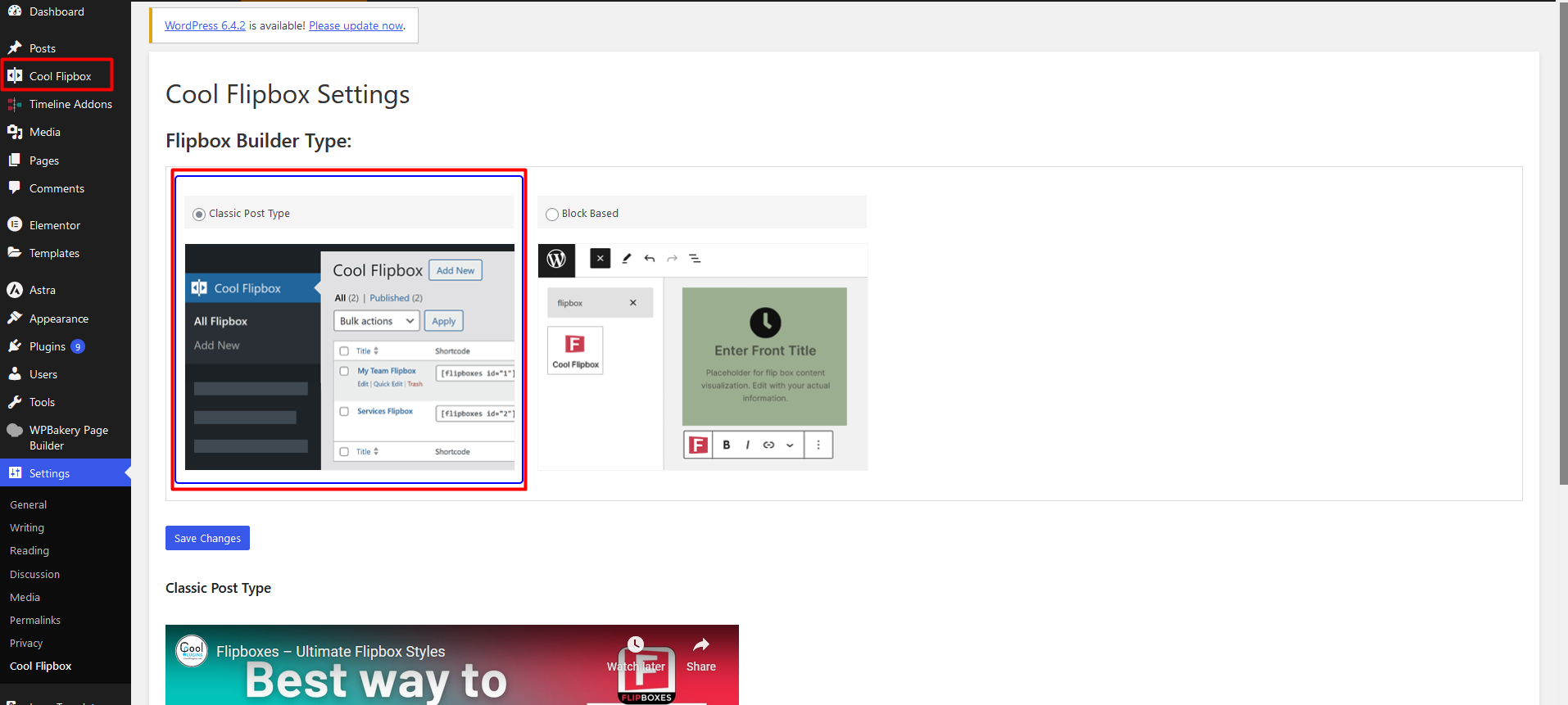
Easy to Use with Gutenberg & Shortcodes: The plugin comes with a Gutenberg block for drag-and-drop editing. If you prefer, you can also use a shortcode to place flip boxes anywhere on your site.
Check our other cool plugins
-
Cool FormKit For Elementor Forms: Add advanced fields and features to your Elementor form widget, like conditional fields, range sliders, country code, and more.
-
Automatic Translate Addon for Loco Translate: It is a powerful addon that enhances the functionality of the Loco Translate plugin by enabling the automatic translation of WordPress themes and plugins. This addon connects with sources like Google, Yandex, DeepL, or AI-powered sources like ChatGPT, Gemini AI and Chrome AI to provide instant and automated translations.
-
AutoPoly – AI Translation For Polylang: This addon duplicates your page or post titles, content, images, galleries, or meta fields, and automatically translates them into the selected language. Whether you’re using Elementor or Gutenberg, this addon makes the translation process easier.
-
Timeline Widget For Elementor: Showcase your company history, product roadmap, and personal journey in vertical & horizontal layout directly inside Elementor.
Use of 3rd Party Services: This plugin connects to the Cool Plugins feedback server only for optional usage data sharing and voluntary feedback submission (for example, during plugin deactivation). Data is transmitted solely after explicit user consent. No hidden tracking is performed, and no frontend visitor or site user data is collected. For more details, please review our Data Usage Policy, TOS, and Privacy Policy.
Screenshots

Analytics
Live from WordPress.org, refreshed daily. Last refresh Oct 16, 2026.
- Downloads on a typical day are up 10% on the month before.
- Passes every health check below.
Health checks
Everything a careful site owner looks at before installing.
- Actively maintained Last release 2 months ago
- Tested with current WordPress Tested up to 7.1.3
- Support questions answered Nothing open in the last two months
- Well rated 4.8 stars from 103 ratings
- Latest week
- 259
- Typical week
- 268
- Peak
- 2,593 Week of Nov 21, 2025
View as table
| Week | Downloads |
|---|---|
| Week of Oct 9 | 259 |
| Week of Oct 2 | 268 |
| Week of Sep 25 | 303 |
| Week of Sep 18 | 356 |
| Week of Sep 11 | 320 |
| Week of Sep 4 | 277 |
| Week of Aug 28 | 268 |
| Week of Aug 21 | 272 |
| Week of Aug 14 | 229 |
| Week of Aug 7 | 267 |
| Week of Jul 31 | 292 |
| Week of Jul 24 | 290 |
| Week of Jul 17 | 211 |
| Week of Jul 10 | 286 |
| Week of Jul 3 | 286 |
| Week of Jun 26 | 227 |
| Week of Jun 19 | 286 |
| Week of Jun 12 | 376 |
| Week of Jun 5 | 952 |
| Week of May 29 | 1,948 |
| Week of May 22 | 188 |
| Week of May 15 | 181 |
| Week of May 8 | 171 |
| Week of May 1 | 206 |
| Week of Apr 24 | 178 |
| Week of Apr 17 | 186 |
| Week of Apr 10 | 196 |
| Week of Apr 3 | 212 |
| Week of Mar 27 | 185 |
| Week of Mar 20 | 188 |
| Week of Mar 13 | 267 |
| Week of Mar 6 | 445 |
| Week of Feb 27 | 395 |
| Week of Feb 20 | 2,533 |
| Week of Feb 13 | 918 |
| Week of Feb 6 | 2,205 |
| Week of Jan 30 | 2,516 |
| Week of Jan 23 | 225 |
| Week of Jan 16 | 254 |
| Week of Jan 9 | 268 |
| Week of Jan 2 | 328 |
| Week of Dec 26, 2025 | 264 |
| Week of Dec 19, 2025 | 2,431 |
| Week of Dec 12, 2025 | 227 |
| Week of Dec 5, 2025 | 278 |
| Week of Nov 28, 2025 | 571 |
| Week of Nov 21, 2025 | 2,593 |
| Week of Nov 14, 2025 | 195 |
| Week of Nov 7, 2025 | 179 |
| Week of Oct 31, 2025 | 244 |
| Week of Oct 24, 2025 | 230 |
| Week of Oct 17, 2025 | 308 |
Building the install history
WordPress.org only publishes today's install count, so WPFolks records it daily. The chart appears after two weeks.
Day 3 of 14Reviews
From folks on WPFolks
No reviews from folks yet. Used it? Be the first to say how it went.