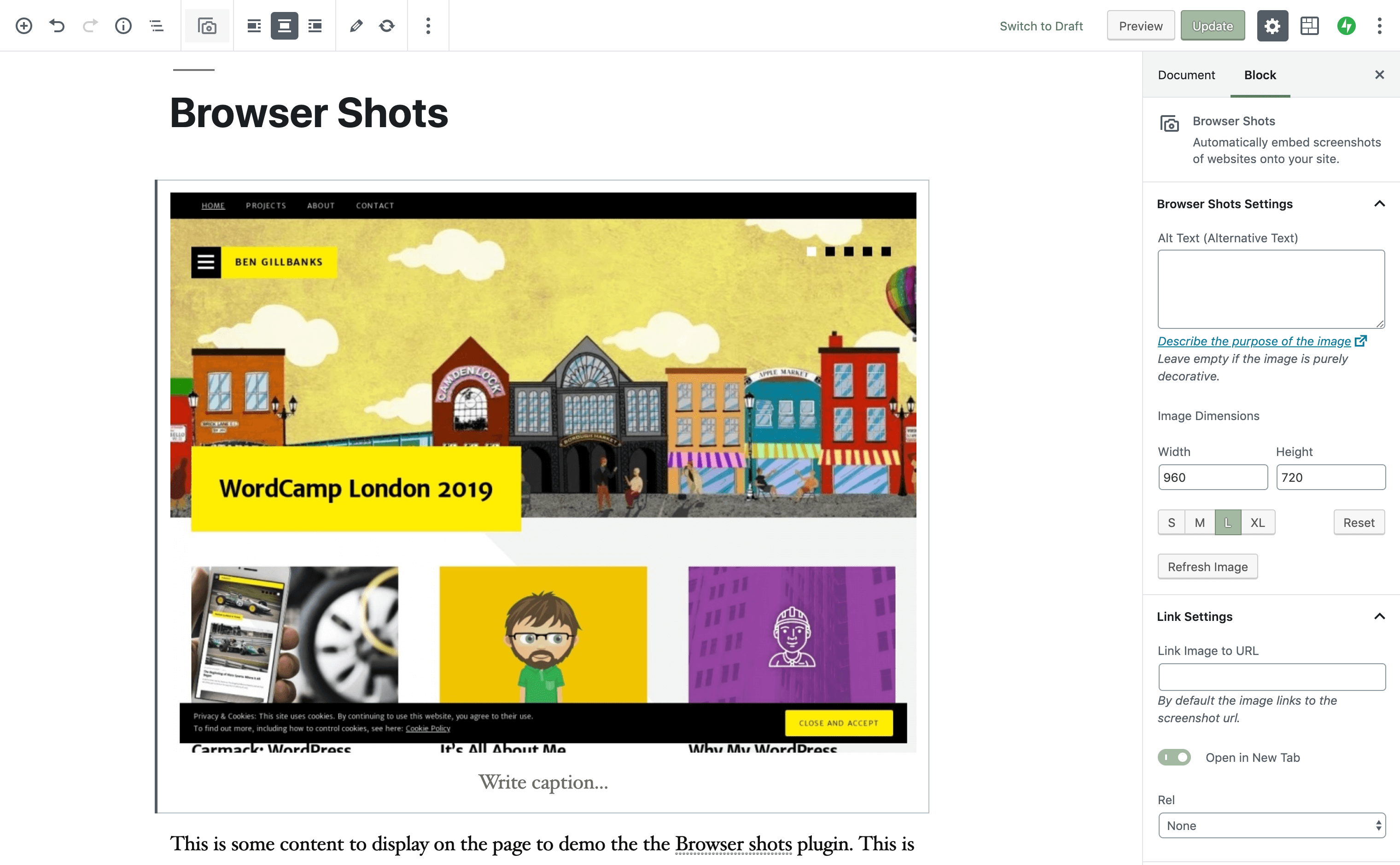

About This Plugin
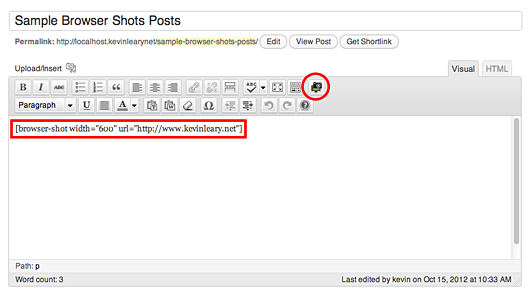
Use the [browser-shot] shortcode to automate the process of taking website screenshots. An icon is also added to the TinyMCE editor to make the shortcode creation process easy.
The plugin uses the ‘mshots’ functionality, from WordPress.com, to automatically take screenshots of websites. This function is free for non-commercial use.
The images are stored on the wordpress.com servers and are not saved onto your own website. The images are cached for roughly 24 hours before being generated again.
Shortcode Preview
// basic shot 600px wide
[browser-shot url="https://link-to-website" width="600"]

// shot with link to other website
[browser-shot url="https://link-to-website" width="700" link="https://www.binarymoon.co.uk/"]

// shot with caption (uses default WordPress caption styles)
[browser-shot url="https://link-to-website" width="700"]Add Caption[/browser-shot]
Available Parameters
- url (required) – the url of the link to shorten
- width – the width of the image
- height – the height of the image
- alt – the image alt text
- link – where the image links. Left blank it will point to the website where the screenshot is being taken
- target – browser target. Set to _blank to open in a new window
- class – add a class to the browsershots wrapper
- image_class – change the default browsershots image class from alignnone to your chosen class
- display_link (true or false – default true) to display a link in your screenshot
- post_links (true or false – default false) to link to the permalink of the post the screenshot is on
Generating Screenshots with code
If you want to create screenshots in a theme using this plugin then you can do so using the BrowserShots::get_shot method.
For example:
<img src="<?php echo BrowserShots::get_shot( 'https://prothemedesign.com', 600, 450 ); ?>" />
Keep in mind that the plugin must be installed and activated for this to work.
The get_shot method has 3 parameters.
- The url.
- The width.
- The height.
The other parameters, from the shotcode, can be implemented manually when outputting the html.
Multisite Compatibility
The Browser Shots plugin is compatibly with WordPress Multisite, just use the Network Activate feature to enable the shortcode on every site. If you only want to enable the shortcode for a specific site, activate the plugin for that site only.